- Lightroom Presets
- Best Sellers
- Mobile Presets
-
Photoshop
-
Learn
-
Support
-
Install
- Blog



Image above edited with South Beach from the Light and Airy Millennium Collection. Shooting in Live View for Incredibly Sharp Photos “How did you get all of your subjects in focus? How did you get all of your subject...

How to Brighten Eyes In Photoshop Do you want to your portrait subject's eyes to look their very best? I will show you step-by-step how to easily clean up and brighten the eye are in Photoshop for a clean and natura...

Sky Replacement in Photoshop In this tutorial, I'm going to show you how to add a beautiful sky overlay behind a window using Photoshop with just a few easy steps! As photographers, we usually shoot our images either...

How to Use the Photoshop High Pass Filter Photoshop has several sharpening filters built in, but one of the fastest and easiest methods for sharpening your images in Photoshop is to use the High Pass filter in conjun...

How to Create a Vignette in Photoshop Adding a subtle vignette to your image is a great way to bring more focus to your subject. This effect can be achieved in-camera but is more often done during post-processing. W...

Editorial Photography I didn't start off in photography as an editorial photographer. In fact, I didn't even know what editorial photography was. Like many of you, I began as a residential portrait photographer. I...

How to Create a Water Reflection in Photoshop In this tutorial, I am going to show you the steps to add water and a water reflection to your photos using Photoshop. The goal is to take the an image photographed in a...

Are All Your Lightroom Brushes Mixed Up After the Recent CC Update? A couple of weeks ago a customer alerted me to a problem with her brushes after running an update to Lightroom CC. I did the update myself, and exp...

Lightroom Organization One of the most frustrating challenges I faced when learning Lightroom was how to organize my images. I took a class from a local professional photographer who teaches an Intro to Photography ...

PHOTO CHALLENGE: A PICTURE WORTH A THOUSAND WORDS Have you looked at a picture and no words were necessary? You might have immediately empathized with the person whether it be in their joy or in their pain. Well, ...

5 Photography Tips to Beat the Winter Blues Ahhh, February. The month of love. The month of the birth of my sweet daughter. And also, the month I hate most. February finds me every year in a bad mood. Call it s...

"Maybe the journey isn’t so much about becoming anything. Maybe it’s about un-becoming everything that isn’t really you, so you can be who you were meant to be in the first place." Journey. It’s a funny thing, right...

Clarity Vs. Contrast In this post, we will look at the differences between clarity and contrast, to help you know which one to use and when. This post uses Adobe Camera Raw, but the same principles apply in both Lig...

What are Circular Polarizing Filters (CPL)? Circular Polarizing Filters (or CPL for short) are one of those items that a lot of photographers have in their bags, but just don’t understand why they have them, what the...
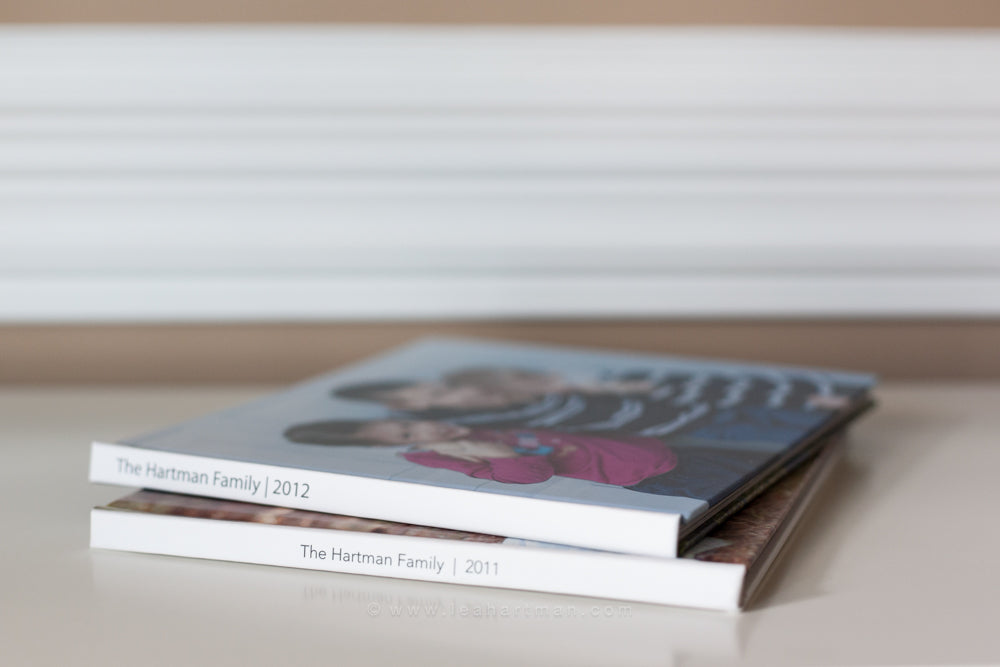
How to Create a Photo Book in Lightroom Being a person who doesn’t like clutter, the idea of individually printing the thousand+ photographs I take every year isn’t even an option in my head. Not because I don’t val...

How to Use a Reverse Adapter Ring for Macro Photography Freelensing is a fun and popular photography technique that allows you to create dreamy macro images by taking your 50mm lens off of your camera, flipping it ar...

Editing Boudoir Photos Editing beautiful boudoir photography images is different than almost any other editing you will do in Lightroom and Photoshop. I always use my favorite Pretty Presets & Actions that, but ...

Tax Deductions for Photographers Most people who operate their own business (photography or otherwise) ask the same question throughout the year: “Can I legitimately write this off this expense on my tax return?” Th...

Using a Layer Mask in Photoshop When I first dove into the magical world of Photoshop, I was very intimidated. In fact, I became overwhelmed when I started exploring all of the buttons and options. For this reason,...

Introduction to Tripod Tuesday We're so excited to offer Tripod Tuesday in our Pretty Presets Facebook community. Grab your camera, tripod and learn how easy it is to take a self portrait today! We want to encourag...


